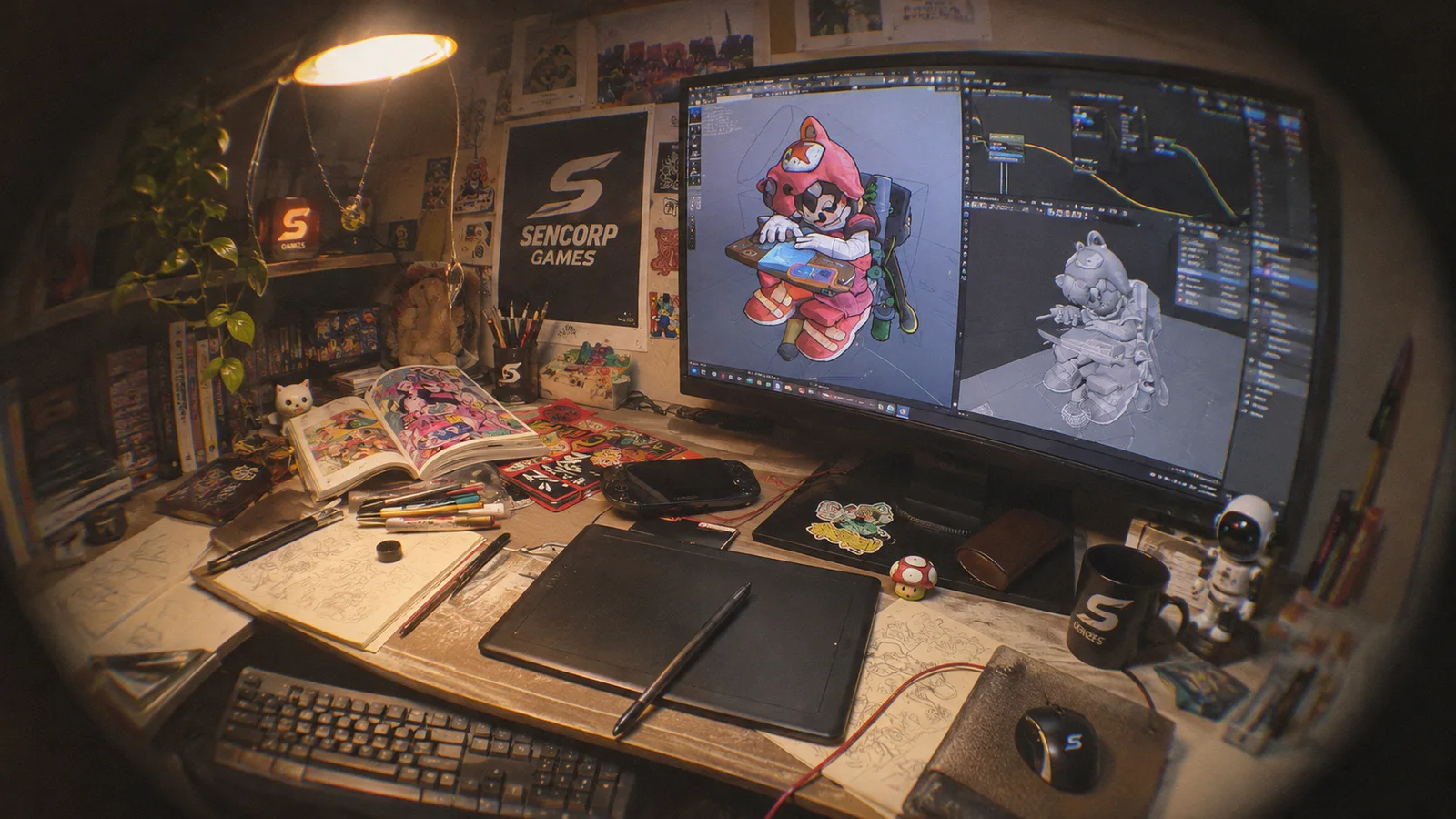
Performance first
A 60 FPS baseline on the devices players actually own. We profile constantly and lean on proven techniques like draw-call batching and object pooling.
 SENCORPGAMES
How we build
The engines, code and pipelines behind every Sencorp world, engineered so our games look great and feel even better in your hands.
Engineering principles
Great art draws players in. Great engineering keeps them there. These four principles shape every technical decision we make.
A 60 FPS baseline on the devices players actually own. We profile constantly and lean on proven techniques like draw-call batching and object pooling.
Unity for our mobile titles, Unreal Engine for PC projects. We choose the tool that serves the game, then build for every screen it needs to reach.
High-poly sculpting, optimised topology, PBR texturing and levels of detail keep our worlds beautiful and light at the same time.
Crash-free releases are the bar. Firebase and analytics show how a game plays in the wild, so every update is better informed.
Our stack
Proven engines and tools, chosen for each project rather than by habit. Pick a category to explore.
Our primary engine for cross-platform mobile games.
For PC projects where high-end visuals lead.
Performance
At 60 FPS, everything a game does has to fit into 16.7 milliseconds. We design to that budget from the first prototype.
One frame at 60 FPS
16.7msIllustrative budget. Real splits vary by game and device; we measure them with profiling on target hardware.
// Reuse projectiles instead of allocating new ones on every shot.
public class ProjectilePool : MonoBehaviour
{
    [SerializeField] Projectile prefab;
    readonly Stack<Projectile> pool = new();

    public Projectile Spawn(Vector3 position, Quaternion rotation)
    {
        var projectile = pool.Count > 0 ? pool.Pop() : Instantiate(prefab);
        projectile.transform.SetPositionAndRotation(position, rotation);
        projectile.gameObject.SetActive(true);
        return projectile;
    }

    public void Release(Projectile projectile)
    {
        projectile.gameObject.SetActive(false);
        pool.Push(projectile);
    }
}
Art & engineering pipeline
Every asset follows the same path, so visuals stay ambitious and games stay fast. Step through it.
Step 1 of 6
Sketches, references and a clear idea of how the asset should feel in the game.
From the Newswire
A closer look at the creative and technical thinking behind our studio.
Read storyBehind the scenes: creating high-quality 3D models with precision and artistic vision.
Read storyA deep dive into the engineering that powers our games.
Read storyCareers
Artists, engineers and designers bring different perspectives to the same goal: games people want to play. 3 roles are open right now, and we always welcome a great introduction.